
 Posted by
As AI assistants become more capable, I increasingly want them to work with my actual files rather than forcing me to constantly upload documents, download updated versions, and manually move information back and forth.
Google Drive integration with ChatGPT is a good example.
Giving an AI assistant access to Google Drive can make it significantly more useful. It can reference documents, find information across files, and, depending on the capabilities enabled, perform actions involving Google Docs, Sheets, Slides, and other Drive files.
But there is an obvious question:
Do I really want to connect my primary Google account and potentially expose my entire Drive?
For me, the answer is no.
Instead, I am using a simple isolation pattern: create a separate Google account specifically for AI agents, then deliberately share files and folders with that account from my primary Google Drive.
I call this secondary account the Agent account.
The Basic Architecture
The model is straightforward:
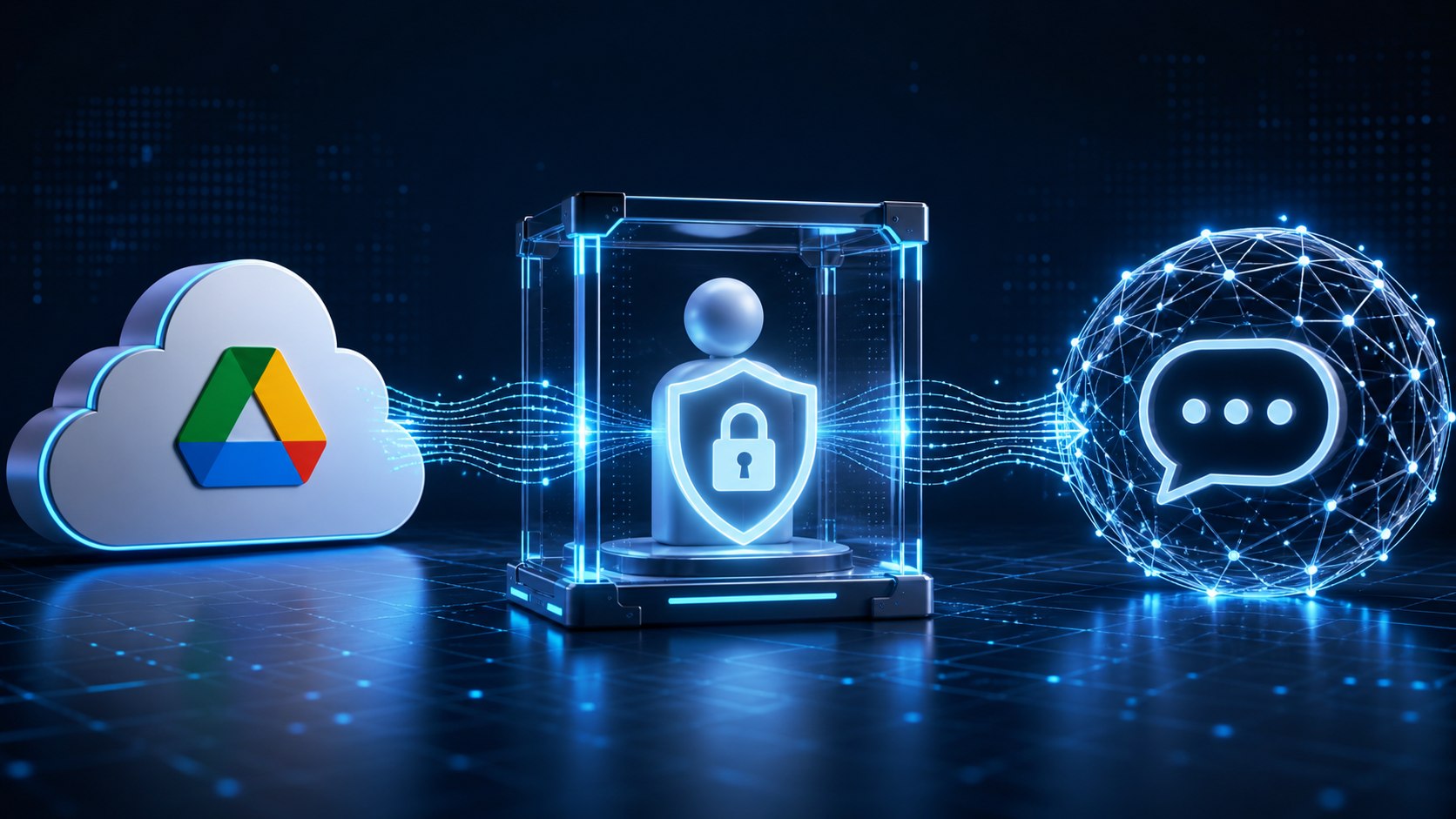
Primary Google Account → Shared Files/Folders → Agent Google Account → ChatGPT
My primary Google account remains the system of record.
The Agent account only has access to documents that I have explicitly shared with it.
ChatGPT is then connected to the Agent account rather than my primary account.
This creates a simple but useful security boundary.
Instead of asking:
What files in my Drive can ChatGPT access?
I can ask:
What have I intentionally shared with the Agent account?
That is a much easier question to answer.
Why I Prefer This Approach
When connecting Google Drive directly to ChatGPT, the authorization can be broad.
OpenAI’s current documentation says that Google Drive integrations can request read access across Drive and, when Drive actions are enabled, can request permissions that support creating, updating, moving, sharing, copying, uploading, and deleting Drive-family files.
That level of integration is useful, but I don’t necessarily want to provide it against the Google account containing everything I have accumulated over many years.
So rather than relying exclusively on application-level permissions, I am creating an identity-level boundary.
The Agent account simply cannot access files that have never been shared with it.
That gives the human operator an additional layer of control.
Step 1: Create a Dedicated Google Account
Create a secondary Google account that will be used exclusively for AI integrations.
For example:
or
The exact naming convention doesn’t matter.
What matters is that this account is not your normal Google account.
Do not use it for regular email, personal photos, browser synchronization, financial records, or other day-to-day activities.
Think of it as a service identity for AI.
Step 2: Keep Your Primary Drive as the Source of Truth
There is no need to migrate everything into the Agent account.
Continue creating and managing files from your normal Google account.
Your existing ownership model remains unchanged.
Instead, selectively share material with the Agent account just as you would share a document with another person.
For example, I might eventually share folders such as:
- Professional career and resume notes
- Company research
- Project documentation
- Blog posts and ideas
- Reference material
- Working documents I routinely use with ChatGPT
But I would not automatically share my entire Drive.
Step 3: Grant Access Deliberately
This is the most important part of the model.
When I want ChatGPT to work with something, I grant the Agent account access to it.
If ChatGPT only needs to reference information, I can give the Agent account Viewer access.
If I want ChatGPT to eventually modify or update a document, the Agent account will need the appropriate Editor permissions.
This turns AI data access into an intentional action.
No sharing means no access through the Agent account.
Over time, the Agent account will gain access to more and more information. That is expected.
The important distinction is that access grows deliberately rather than implicitly.
Every folder and file permission represents a conscious decision:
I am comfortable making this information available to my AI tools.
Step 4: Connect the Agent Account to ChatGPT
In ChatGPT, open the app or plugin settings and locate the Google Drive integration.
Choose Connect and authenticate using the Agent Google account, not your primary account.
Be especially careful here if you are already signed into multiple Google accounts in your browser. Google will typically present an account-selection screen during authorization.
Verify the email address before approving access.
Once connected, ChatGPT’s Google Drive access is associated with the Agent account.
According to OpenAI, ChatGPT respects the permissions of the Google account being connected. In other words, it can only access content available to that Google identity.
That is exactly what makes this architecture useful.
Step 5: Start Small
I would not immediately share twenty years of documents with the Agent account.
Start with one test folder.
For example:
AI Working Files
Put a few non-sensitive documents in it and share the folder with the Agent account.
Then test things such as:
- Find a particular document
- Summarize it
- Compare two documents
- Extract information
- Update a working document, if write actions are enabled
- Verify that files outside the shared scope cannot be found through the Agent account
Once you are comfortable with the behavior, expand access gradually.
A Useful Folder Model
One approach is to create a dedicated folder hierarchy in your primary Drive:
AI Shared
- Career
- Research
- Projects
- Reference
- Working Documents
- Temporary
Then share the parent folder, selected child folders, or individual documents with the Agent account depending on how much access you want to provide.
There is no single correct structure.
The important part is that the folder hierarchy makes the access boundary visible and understandable to a human being.
This Is Really a Least-Privilege Pattern
The principle behind this approach is not unique to ChatGPT.
It is a basic cybersecurity concept: Least privilege.
An identity should receive only the access necessary to perform its function.
We routinely apply this concept to employees, service accounts, applications, databases, APIs, and cloud infrastructure.
AI agents should be treated the same way.
As agents become capable of reading, creating, updating, and taking action across enterprise systems, identity and authorization become increasingly important.
The question should not be:
Can the AI access this system?
It should be:
Which identity is the AI using, what can that identity access, and why?
The Human Remains the Gatekeeper
One of the things I particularly like about this model is that it keeps the human operator directly involved in expanding the agent’s knowledge environment.
When I decide ChatGPT would benefit from another folder, I share it.
When a project ends, I can remove access.
When I want an agent to reference something but not modify it, I can use read-only permissions.
The Agent account becomes a practical representation of the information environment I have chosen to expose to AI.
And because Google Drive already has mature sharing and permission controls, I don’t need to invent an entirely new governance mechanism.
Important Limitations
This approach should not be interpreted as a perfect security sandbox.
Connecting an external application to a Google account still means granting that application OAuth permissions. You should review the permissions Google presents during authorization and understand what capabilities you are enabling.
OpenAI also notes that connected Google content may be indexed and synchronized to improve retrieval, depending on the integration and configuration being used. Disconnecting the app removes the connection, although associated indexed content may be retained temporarily according to OpenAI’s data retention policies.
Organizations using ChatGPT Business, Enterprise, or Edu may also have more sophisticated administrative options, including controls that can limit synced Google Drive access to particular Shared Drives or folders.
For an individual user, however, the secondary-account model provides an additional boundary that is simple to understand and easy to manage.
A Simple Mental Model
I think about it this way:
My primary Google account represents everything I know.
My Agent account represents everything I have intentionally decided my AI agents are allowed to know.
That distinction will become increasingly important.
Today we are talking about Google Drive.
Tomorrow it may be email, calendars, project-management platforms, financial systems, CRM applications, source-code repositories, and internal company knowledge.
As AI moves from answering questions to actually performing work, giving agents unrestricted access to our digital environments is unlikely to be the right model.
A better approach is to progressively grant access based on need.
Start small.
Observe what the agent can do.
Add information and permissions deliberately.
And always maintain a clear understanding of which identity your AI is operating through and what that identity can access.