
 Posted by
A few years ago, I made a deliberate decision to digitize my life.
Not just notes or photos, but everything. Old certificates. Legal documents. Paper notebooks. Receipts. Family photos. Reference materials. The goal was simple: reduce friction, reduce clutter, and make information instantly accessible.
What started as a small clean-up exercise quickly became a broader rethink of how I manage personal information.
I realized the real problem was not storage. It was sprawl.
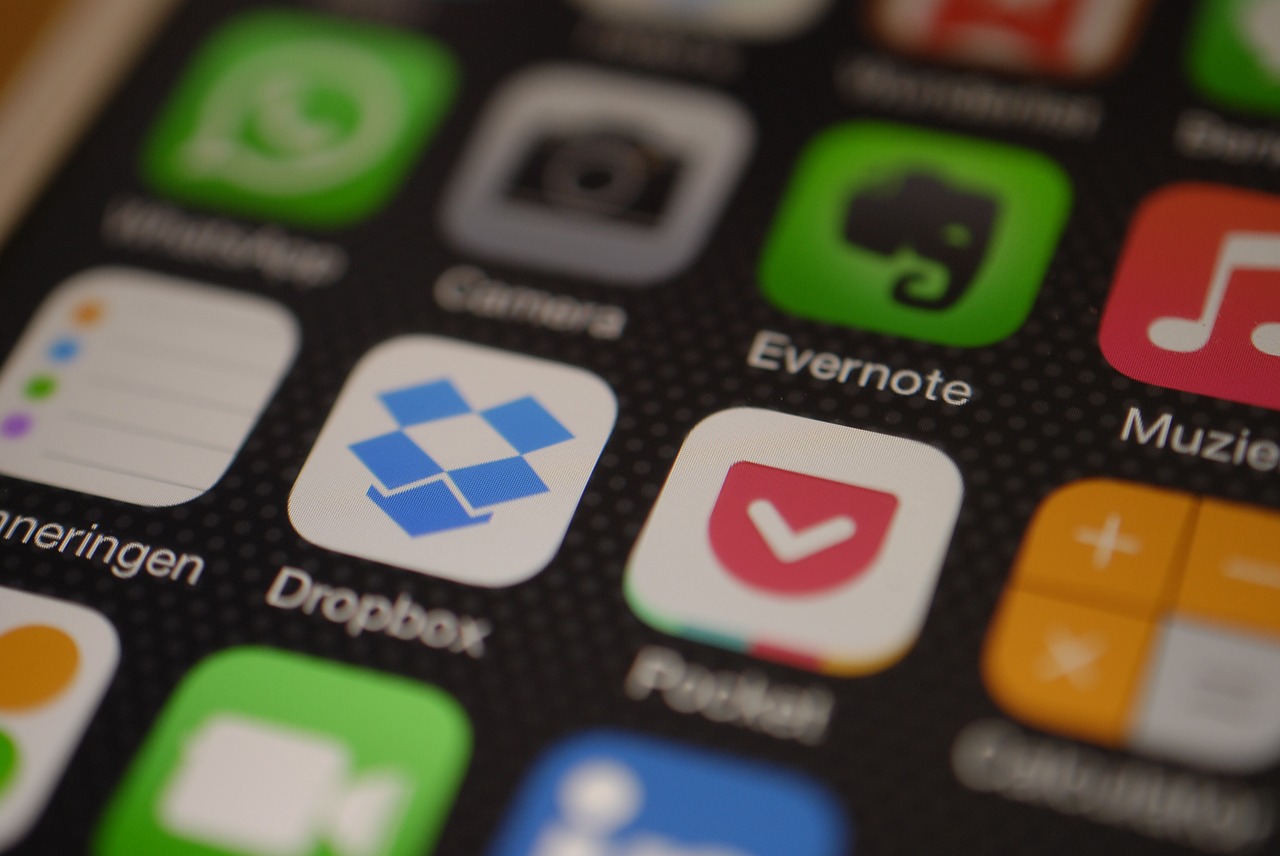
Files scattered across laptops, external drives, email attachments, and multiple cloud services like Dropbox, Google Drive, and Microsoft OneNote create invisible complexity. When you need something, you do not know where to start looking. Time gets wasted. Risk increases. Organization breaks down.
So I stepped back and built a simple system instead.
Start with the right architecture
Think of your digital life like an information strategy.
Not everything belongs in the cloud. Not everything belongs on your laptop.
I now use three tiers:
1. Working files (active use) Cloud-based tools for documents I need frequently and across devices.
2. Reference + searchable knowledge Notes, scans, ideas, and lightweight information stored in Evernote.
3. Cold storage (archive + protection) Offline, encrypted backups for anything critical or irreplaceable.
This separation dramatically reduces both clutter and risk.
Where Evernote fits
For everyday capture and retrieval, Evernote became my hub.
It is more than a note-taking app. It is a lightweight personal knowledge system.
A few capabilities that changed how I work:
- Capture ideas instantly from any device
- Drag in files, images, or audio
- Scan paper documents with Scannable
- Search inside PDFs and scanned images using OCR
- Tag and organize information for fast retrieval
- Share notes easily with family or collaborators
Instead of filing paper or losing ideas in random apps, everything goes into one searchable place.
The practical benefit is simple: I can find anything in seconds.
That alone is worth it.
Security matters more than convenience
Cloud tools are incredibly reliable, but convenience should never replace basic safeguards.
My rule of thumb:
- Keep critical files backed up offline
- Maintain at least one disconnected copy
- Encrypt everything
On Windows, tools like BitLocker make full-disk encryption straightforward. Other platforms offer similar options.
An offline, encrypted drive protects you from:
- account compromises
- ransomware
- accidental deletions
- service outages
It is a simple layer of resilience that most people skip.
The outcome
Once everything was digitized and organized:
- Less paper
- Less searching
- Less duplication
- More confidence that important information is safe
More importantly, it created mental clarity.
When information is easy to capture and retrieve, you spend less time managing tools and more time focusing on what actually matters.
Technology should remove friction from your life, not add to it.
For me, combining a searchable system like Evernote with disciplined backups struck the right balance between accessibility, organization, and security.
If you are still juggling files across half a dozen places, it might be time to design your own digital system.
Your future self will thank you.